
Beginning in December 2026, Microsoft will begin permanently phasing out Basic Authentication for SMTP AUTH in Exchange Online. This legacy authentication method sends usernames and passwords in plain text and is being retired to improve security across Microsoft 365 environments.
If your multifunction printer (MFP) or copier currently uses Basic Authentication for Scan-to-Email, this feature may stop working unless changes are made.
The good news: secure, modern alternatives are available.
Why This Change Matters
Many multifunction printers use SMTP AUTH with Basic Authentication to send scanned documents by email. Once Microsoft disables this method, devices using the old configuration will no longer be able to authenticate — and scan-to-email workflows will fail.
Organizations should begin planning now to avoid disruptions to document workflows and user productivity.
Microsoft’s Updated Deprecation Timeline
Microsoft has published an updated timeline to give organizations more time to transition to modern authentication methods:
-
Now through December 2026: SMTP AUTH with Basic Authentication continues to function with no behavior change
-
End of December 2026: Basic Authentication for SMTP AUTH will be disabled by default for existing tenants (admins can temporarily re-enable if required)
-
New tenants created after December 2026: Basic Authentication for SMTP AUTH will be unavailable by default — OAuth will be the supported method
-
Second half of 2027: Microsoft will announce the final, permanent removal date for SMTP AUTH Basic Authentication
This phased approach allows organizations time to validate and deploy more secure authentication options.
Resolution Options for Xerox Multifunction Printers
✅ Option 1 — Move to OAuth 2.0 Authentication
Microsoft recommends transitioning to OAuth 2.0 (Modern Authentication).
Xerox has released firmware updates that enable OAuth 2.0 support on many Xerox printers and multifunction devices. With the proper firmware and configuration, compatible devices can continue using scan-to-email securely with Exchange Online.
Check your device model and firmware level to confirm compatibility before deployment. For more information on OAuth 2.0 and Xerox, click here.
✅ Option 2 — Use Secure Scan Workflow Alternatives
If your device does not support OAuth 2.0 — several secure alternatives provide comparable scan-to-email functionality:
These options often provide enhanced security, audit controls, and improved delivery reliability.
Plan Ahead to Avoid Workflow Disruptions
Because scan-to-email is a mission-critical feature for many organizations, it’s important to review your device configurations now and schedule any needed firmware updates or workflow changes well before Microsoft’s enforcement dates.
A proactive review helps ensure uninterrupted scanning, improved security, and a smooth transition to modern authentication.
Contact us for more information.

About Just·Tech
Just·Tech, a 2020 & 2021 Inc. 5000 designee and a 2023 & 2024 CRN MSP 500 honoree is a technology company and has been keeping more than 2,000 clients happy since 2006 in providing our Print Solutions, Network & IT Solutions, Cloud Fax and custom Xerox App Solutions.
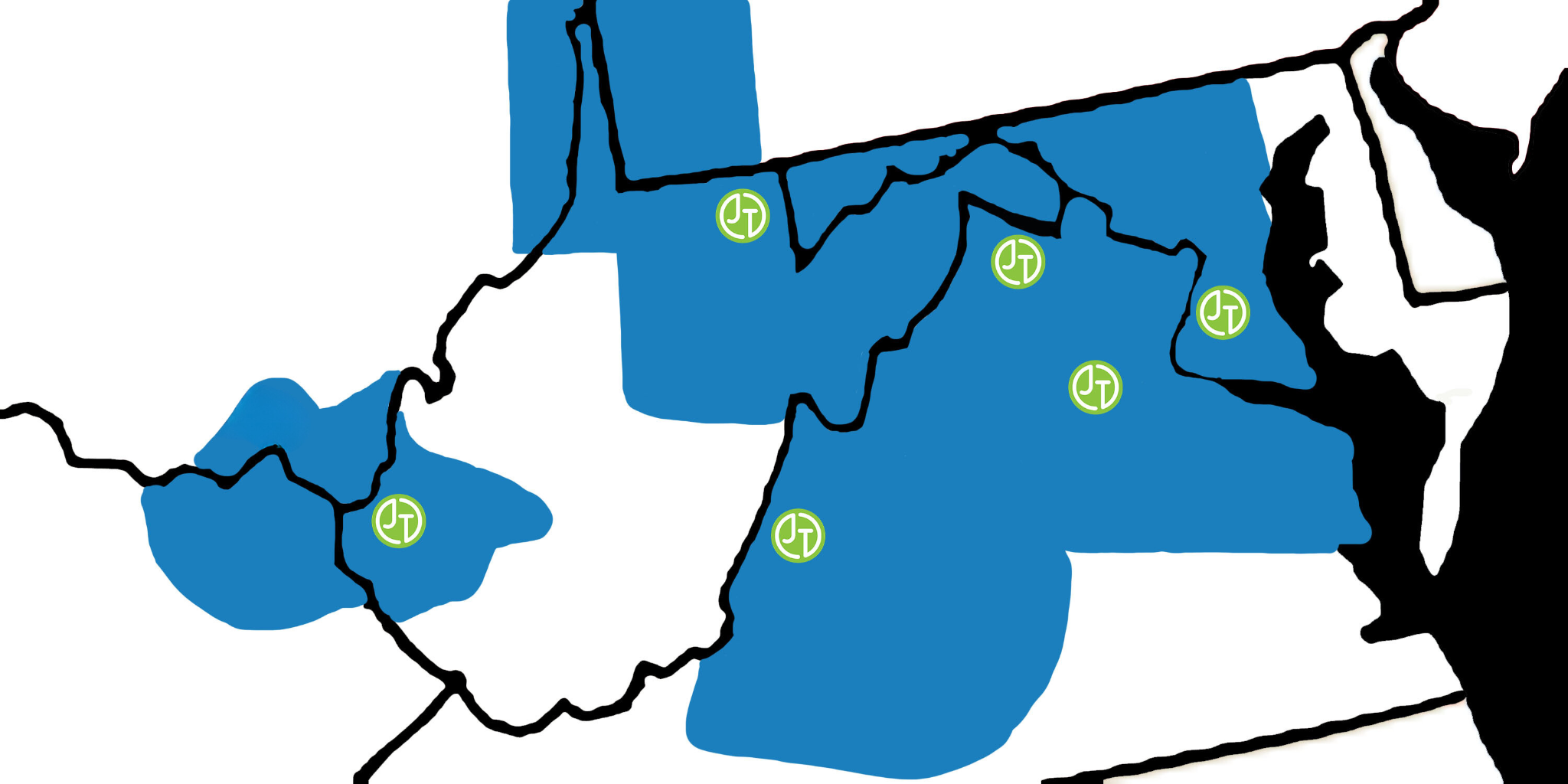
Areas we support:
- Washington DC Metropolitan area including parts of Virginia & Maryland and also Southern Maryland
- Northern Virginia, Eastern Panhandle of West Virginia and the Shenandoah Valley in Virginia
- North Eastern Virginia and the Northern Neck of Virginia including the cities of Fredericksburg & Stafford
- West Central Virginia including the cities of Harrisonburg, Staunton & Charlottesville
- South Western Virginia including the cities of Lynchburg and Roanoke
- North Central West Virginia including the cities of Morgantown, Fairmont, Clarksburg & Elkins
- WV/KY/OH tri-state region including the cities of Huntington, Charleston, Ashland and Portsmouth
Through our Print Solutions, we offer sales and support for Xerox multifunction copiers & printers. Just·Tech is a Xerox Diamond Partner and one of the top ten Xerox partners in the country. We also provide supplies & service support for HP, Lexmark, Dell and Brother printers. Currently we are managing thousands of copiers & printers making millions of copies & prints every month.
With our Network Solutions, we provide Managed Network Services & IT Support to hundreds of small businesses, non-profits and religious organizations. We specialize in proactive support and provide onsite & remote assistance.
Just·Tech is the first Xerox certified Personalized Application Builder Authorized Developer in the United States. With our App Solutions, we create custom apps for Xerox multifunction copiers that increase efficiency and improve workflows. Just·Tech is the exclusive reseller in the U.S. of the most affordable and complete print management app solution, PrintAnyWay. There are more than 100,000 apps that we have created installed on Xerox devices across the globe.
Contact us for more information.