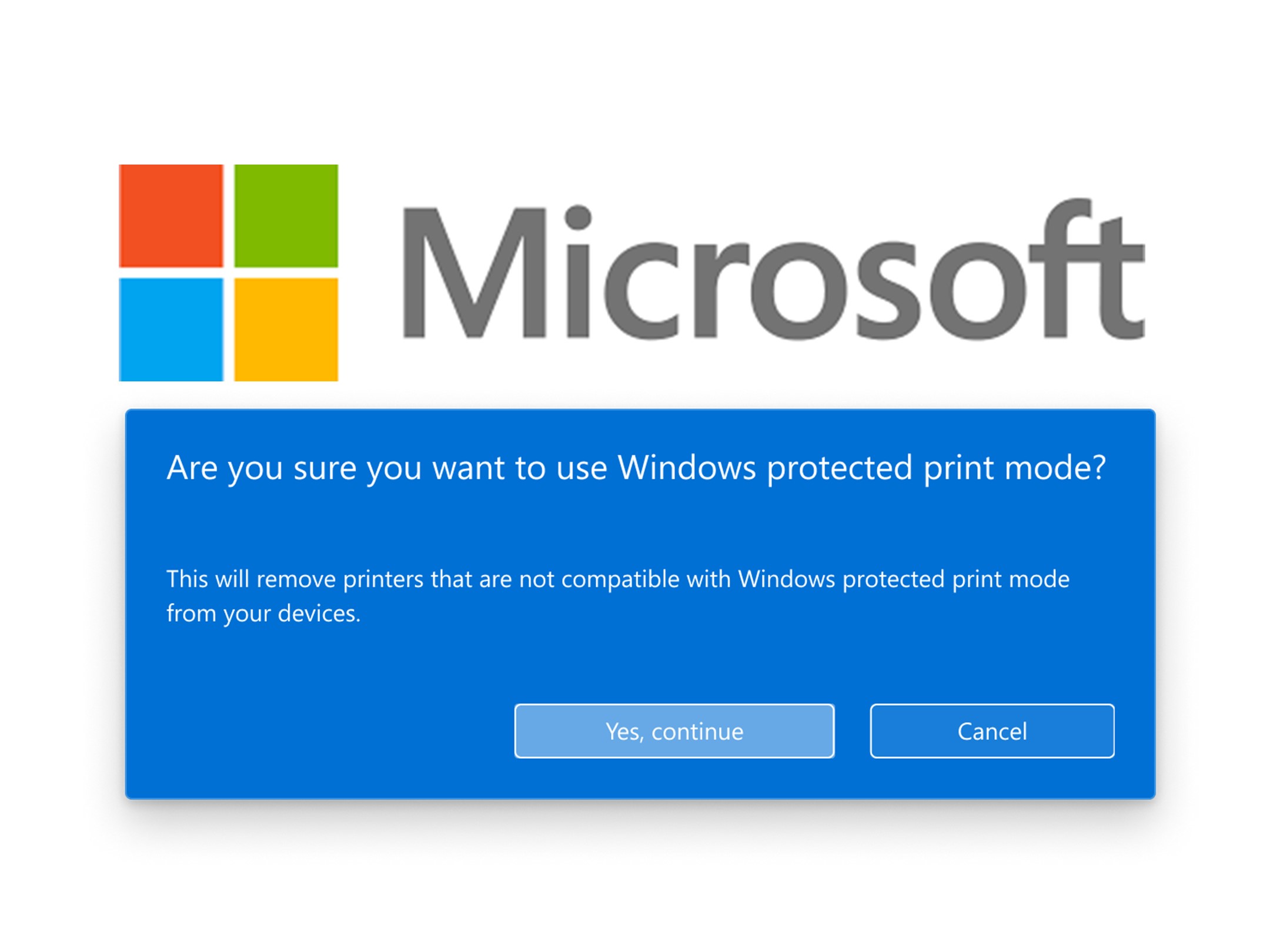
Microsoft recently announced the release of Windows Protected Print which is a more modern and secure print system. Windows Protected Print is now available as optional and will eventually be on by default in Windows. When Windows Protected Print mode is enabled, the existing print driver is deleted and cannot be used while Windows Protected Print mode is active. If Windows Protected Print mode is disabled and the printer is reinstalled, the original print driver is reinstalled. When deciding on moving to Windows Protected Print mode, we recommend checking out what print features are available and those you are use to utilizing (in-line stapling, hole punch, paper tray selection, print resolution, 2-sided, secure print, etc.). These may or may not be currently available with Windows Protected Print.
While functionality may be currently limited with Windows Protected Print and specific printer models, vendors can extend support for custom functionality by creating a Print Support App (PSA). PSAs allow printer Original Equipment Manufacturers (OEMs) to extend Microsoft’s existing Internet Printing Protocol (IPP) support for their specific needs. Not all printers support the same features and configuration options. PSAs allow for tailored user experiences without compromising the experience users expect. We do expect vendors to work with Microsoft and for more features and options to become available with their products when using Windows Protected Print.
Xerox has also released the Xerox Print and Scan Experience (XPSE) application which works as a Print Support Application (PSA) for Xerox products augmenting printing features and providing enhanced user experience. More information about the XPSE can be found here. When WPP is enabled, users can only install and use Microsoft IPP/Universal Print class drivers. XPSE acts as the Print Support App for Microsoft IPP and Universal Print class driver queues connected to Xerox devices.
Print drivers have been known to be a security vulnerability and Microsoft says 9% of Windows security issues reported to the Microsoft Security Response Center (MSRC) were caused by print bug related issues. Microsoft found that Windows Protected Print Mode mitigated over half of those vulnerabilities. Print bugs played a role in Print Nightmare which “Microsoft warned that hackers that exploit the vulnerability could install programs, view and delete data or even create new user accounts with full user rights. That gives hackers enough command and control of your PC to do some serious damage.” (CNN, Microsoft issues urgent security warning: Update your PC immediately, July 20221)
Windows Protected Print builds on the existing IPP print stack which works with Mopria certified printers. IPP is an HTTP-based protocol and supports many authentication methods. IPP supports built-in encryption and a small number of Printer Document Languages (PDLs). Today, drivers implement over 40 different PDLs which can result in vulnerabilities. The Windows Print Team has been working to bring IPP printing to more users for quite some time now.
Only Mopria certified printers are compatible with Windows Protected Print mode. Most new printers are Mopria certified. To see if a printer is compatible with Windows Protected Print, see Mopria certified products list.
Moving away from print drivers and utilizing Windows Protected Print offers many security benefits to users. We are still early into the release and we expect more print features and functionality to be available for users in the future.
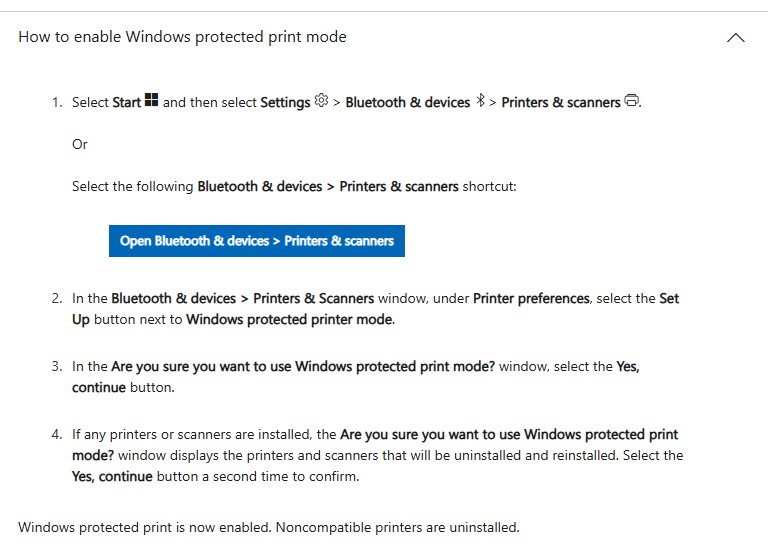
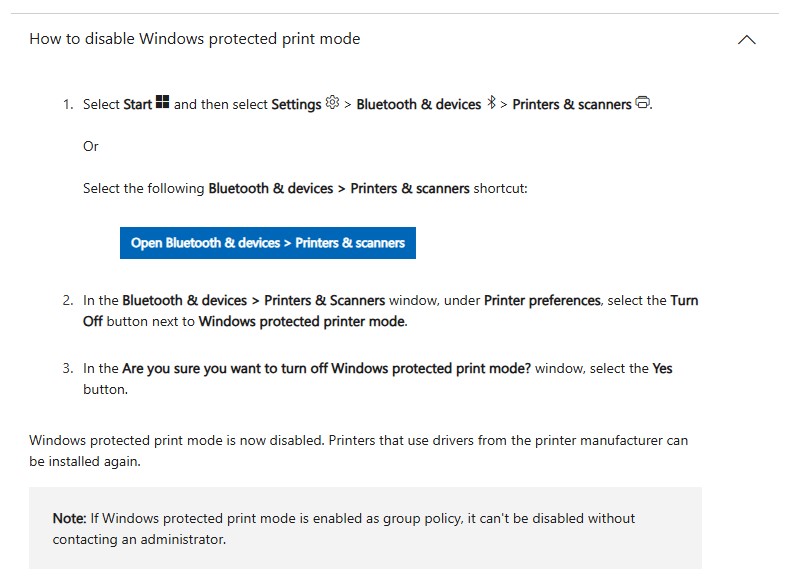
On Microsoft’s website, they provide instructions on how to enable and disable Windows Protected Print mode.
Click below to download Xerox’s Windows Print Transition overview.
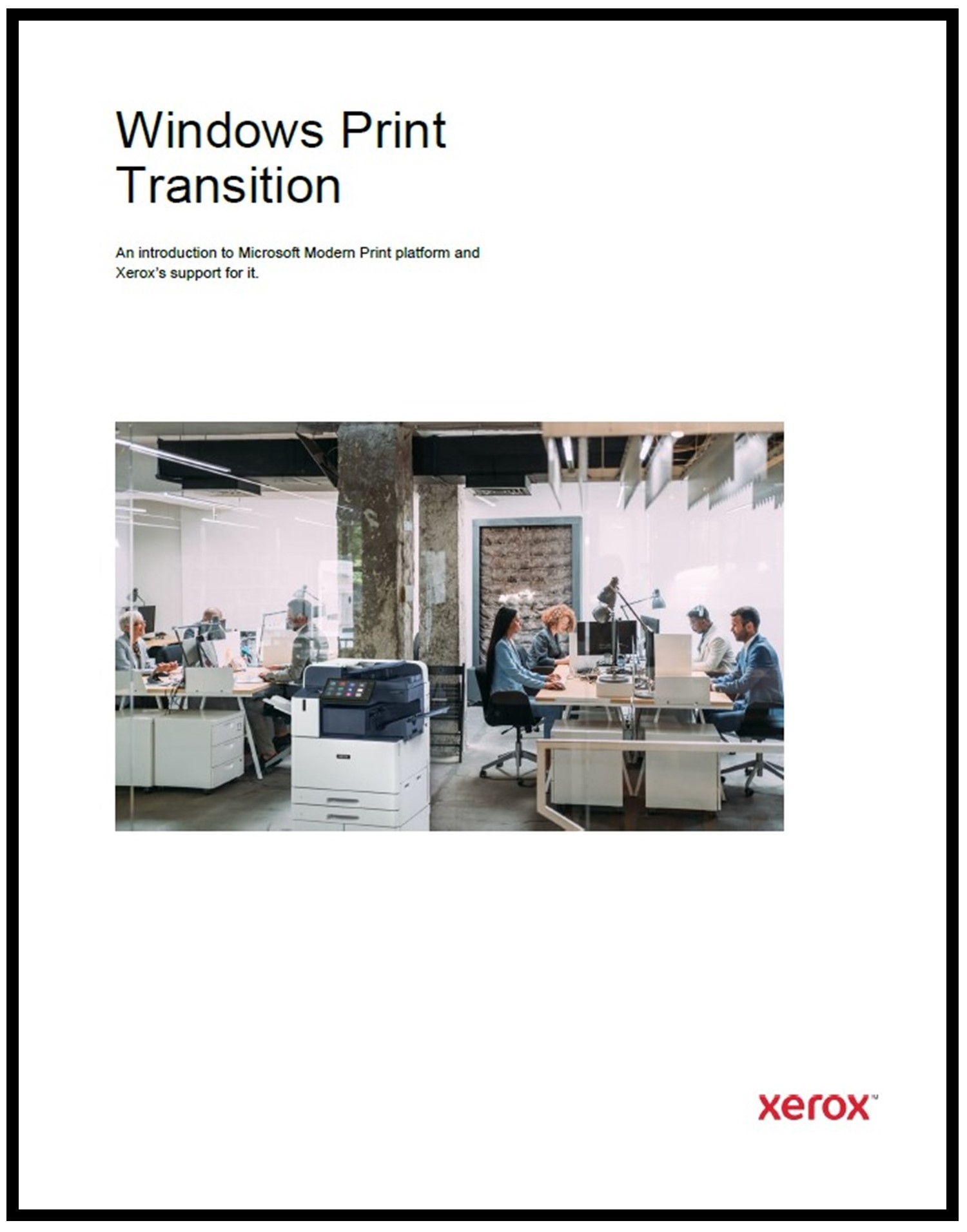
Contact us for more information at anytime.

About Just·Tech
Just·Tech, a 2020 & 2021 Inc. 5000 designee and a 2023 & 2024 CRN MSP 500 honoree is a technology company and has been keeping more than 2,000 clients happy since 2006 in providing our Print Solutions, Network & IT Solutions, Cloud Fax and custom Xerox App Solutions.
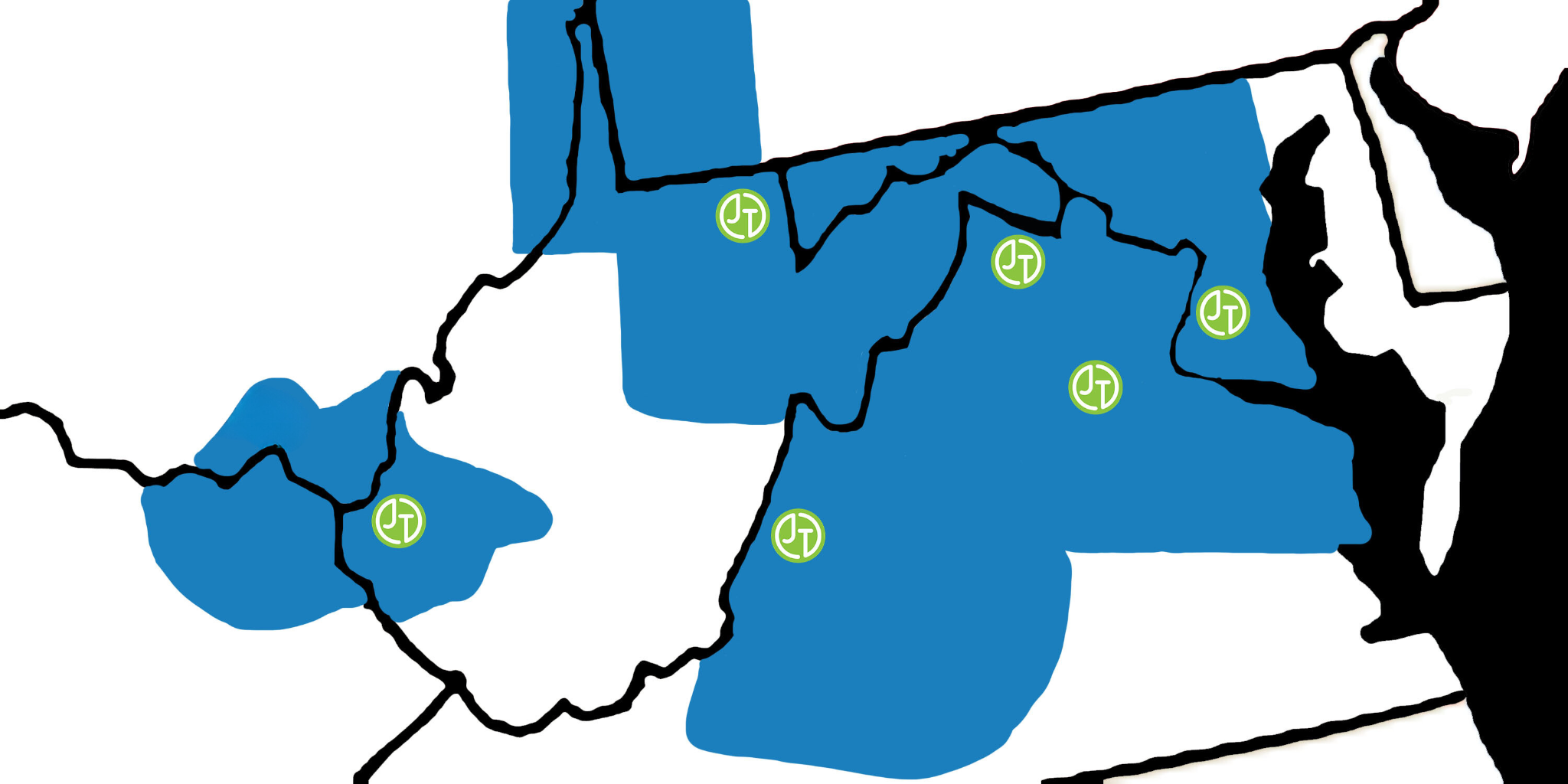
Areas we support:
- Washington DC Metropolitan area including parts of Virginia & Maryland and also Southern Maryland
- Northern Virginia, Eastern Panhandle of West Virginia and the Shenandoah Valley in Virginia
- North Eastern Virginia and the Northern Neck of Virginia including the cities of Fredericksburg & Stafford
- West Central Virginia including the cities of Harrisonburg, Staunton & Charlottesville
- South Western Virginia including the cities of Lynchburg and Roanoke
- North Central West Virginia including the cities of Morgantown, Fairmont, Clarksburg & Elkins
- WV/KY/OH tri-state region including the cities of Huntington, Charleston, Ashland and Portsmouth
Through our Print Solutions, we offer sales and support for Xerox multifunction copiers & printers. Just·Tech is a Xerox Diamond Partner and one of the top ten Xerox partners in the country. We also provide supplies & service support for HP, Lexmark, Dell and Brother printers. Currently we are managing thousands of copiers & printers making millions of copies & prints every month.
With our Network Solutions, we provide Managed Network Services & IT Support to hundreds of small businesses, non-profits and religious organizations. We specialize in proactive support and provide onsite & remote assistance.
Just·Tech is the first Xerox certified Personalized Application Builder Authorized Developer in the United States. With our App Solutions, we create custom apps for Xerox multifunction copiers that increase efficiency and improve workflows. Just·Tech is the exclusive reseller in the U.S. of the most affordable and complete print management app solution, PrintAnyWay. There are more than 100,000 apps that we have created installed on Xerox devices across the globe.
Contact us for more information.