If you’ve opened your copier or multifunction printer lease invoice and noticed an unexpected line for “Equipment Insurance” you’re not alone. This charge surprises customers every month – especially those who already carry business insurance. The good news: the fee is legitimate, it’s common, and in most cases, you can remove it quickly with the right documentation.
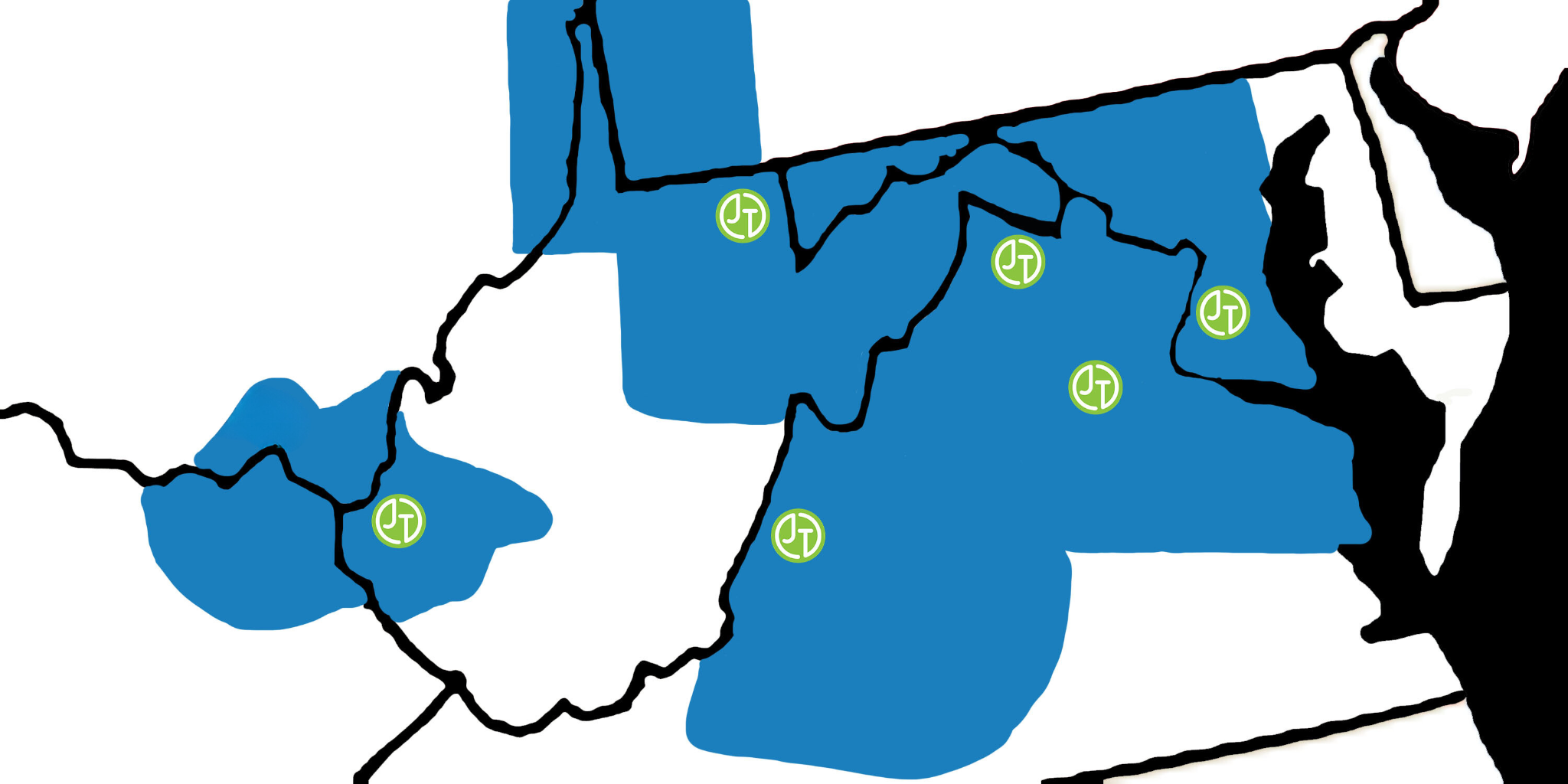
At JustTech, we help businesses across MD, DC, VA, PA, KY, and OH understand their copier leases, reduce unnecessary costs, and keep their billing predictable. Below, we explain exactly what this fee is, why leasing companies like GreatAmerica Financial Services and PEAC Financial Services apply it, and how to get rid of it.
What Is the Equipment Insurance Fee on a Copier Lease?
The Equipment Insurance fee is a charge added by your leasing company to protect the copier or printer they own while it’s in your office. Until your lease ends, the equipment belongs to the lender – not your business – so they require it to be insured against loss, theft, fire, or damage.
If the leasing company does not receive acceptable proof that the equipment is covered under your existing business insurance, they automatically enroll you in their insurance program. This is why the fee appears as:
- Insurance Charge
- Property Damage Protection
- Loss Protection Plan
- Asset Protection Fee
Typical cost: $10–$50+ per month, depending on equipment value and the leasing provider.
Why Leasing Companies Add This Fee Automatically
Every leasing company must confirm its equipment is insured. If they don’t have proof on file, they must protect their asset – which means adding their own insurance policy by default.
From our experience at JustTech, the fee usually appears because:
- A COI (Certificate of Insurance) was never submitted
- A policy expired and wasn’t updated
- A business changed insurance carriers
- The leasing company’s system was unable to match your COI to your account
The important thing to know is: you’re not stuck with this fee.
How to Remove the Equipment Insurance Charge
Steps to Remove the Fee
- Request a Certificate of Insurance (COI) from your insurance agent.
- The COI must include:
- Your business name and address
- Your insurance carrier
- Policy number and effective dates
- Leasing company listed as Loss Payee
- Equipment make/model and value
- Contact your leasing company (see contact info below)
- Request removal of the insurance/asset protection fee and provide the COI
- Wait for confirmation (normally 1–2 billing cycles).
PEAC’s Asset Protection Team:
Email: insurance@peacsolutions.com
Mail:
Marlin Leasing Corp dba PEAC Solutions
PO Box 367
Marlton, NJ 08053
Questions:
(877)733-4433
GreatAmerica’s Insurance Department:
Fax:
(305) 259-4577
Email: gamail@assurant.com
Mail:
Insurance Verification Center
PO Box 202134
Florence, SC 29502-2134
Questions:
(800)625-1291
Ready to stop paying unnecessary insurance fees?
If you’re seeing an Equipment Insurance line on your lease bill, you don’t have to keep paying it. All it takes is sending your leasing company a Certificate of Insurance (COI) that lists them as the Loss Payee.
Once the COI is on file, the insurance charge is removed, and in some cases, past fees may even be credited.
Send in your COI today and eliminate the extra monthly cost for good.
Your team here is available to support you. As always, we thank you for your continued business!
Contact us for more information or to learn more about partnering with JustTech.

About Just·Tech
Just·Tech, a 2020 & 2021 Inc. 5000 designee and a 2023 & 2024 CRN MSP 500 honoree is a technology company and has been keeping more than 2,000 clients happy since 2006 in providing our Print Solutions, Network & IT Solutions, Cloud Fax and custom Xerox App Solutions.
Areas we support:
- Washington DC Metropolitan area including parts of Virginia & Maryland and also Southern Maryland
- Northern Virginia, Eastern Panhandle of West Virginia and the Shenandoah Valley in Virginia
- North Eastern Virginia and the Northern Neck of Virginia including the cities of Fredericksburg & Stafford
- West Central Virginia including the cities of Harrisonburg, Staunton & Charlottesville
- South Western Virginia including the cities of Lynchburg and Roanoke
- North Central West Virginia including the cities of Morgantown, Fairmont, Clarksburg & Elkins
- WV/KY/OH tri-state region including the cities of Huntington, Charleston, Ashland and Portsmouth
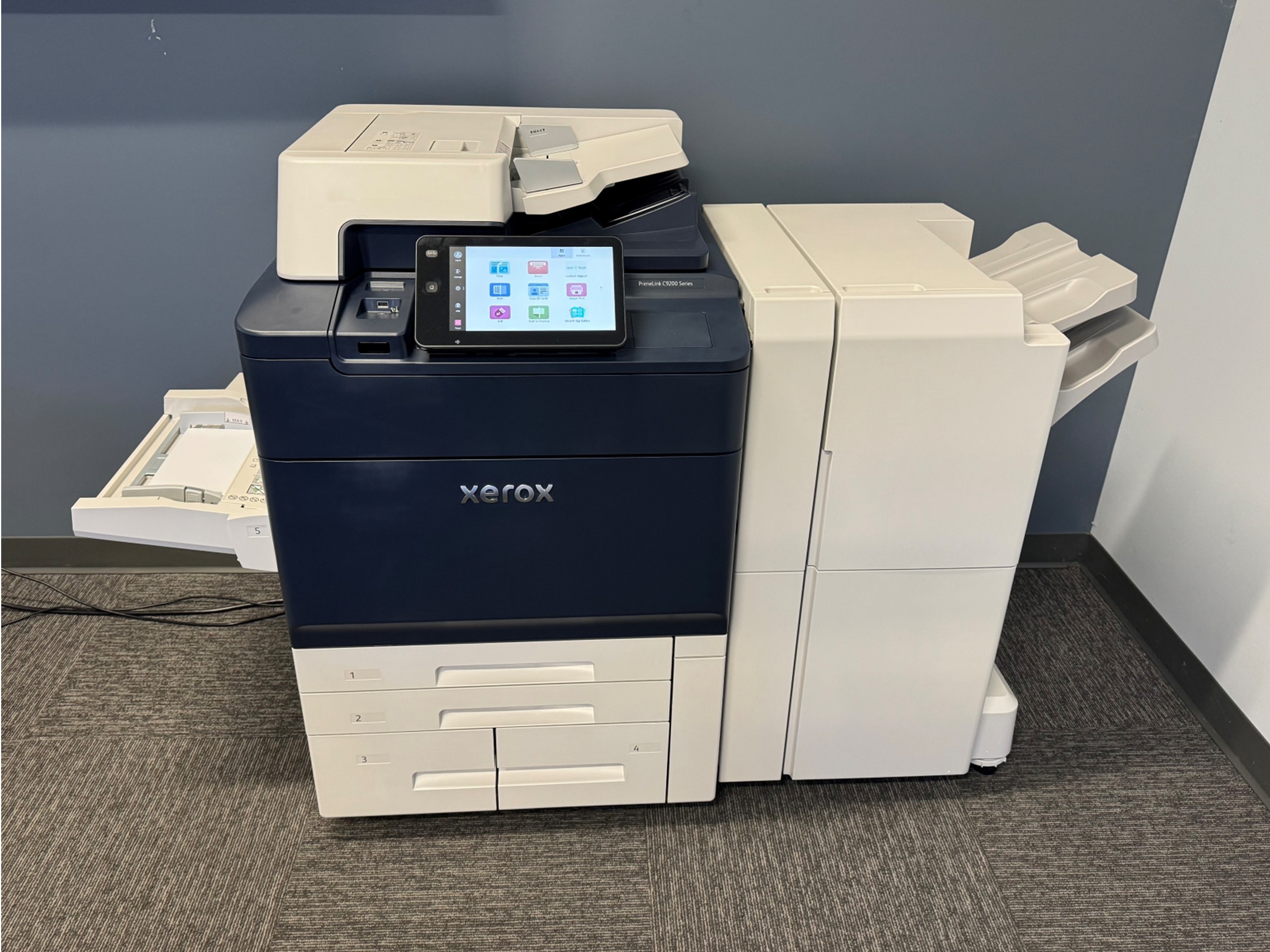
Through our Print Solutions, we offer sales and support for Xerox multifunction copiers & printers. Just·Tech is a Xerox Diamond Partner and one of the top ten Xerox partners in the country. We also provide supplies & service support for HP, Lexmark, Dell and Brother printers. Currently we are managing thousands of copiers & printers making millions of copies & prints every month.
With our Network Solutions, we provide Managed Network Services & IT Support to hundreds of small businesses, non-profits and religious organizations. We specialize in proactive support and provide onsite & remote assistance.
Just·Tech is the first Xerox certified Personalized Application Builder Authorized Developer in the United States. With our App Solutions, we create custom apps for Xerox multifunction copiers that increase efficiency and improve workflows. Just·Tech is the exclusive reseller in the U.S. of the most affordable and complete print management app solution, PrintAnyWay. There are more than 100,000 apps that we have created installed on Xerox devices across the globe.
Contact us for more information.